A workspace that flows.
Open Aurora, Sunrun, and your partner portals in dedicated tabs. Keep your logins and your workflow close at hand.
 Solar DesignPro
A dedicated app for Mac
Aurora. Sunrun. Your sales tools.
One focused place to bring it all together.
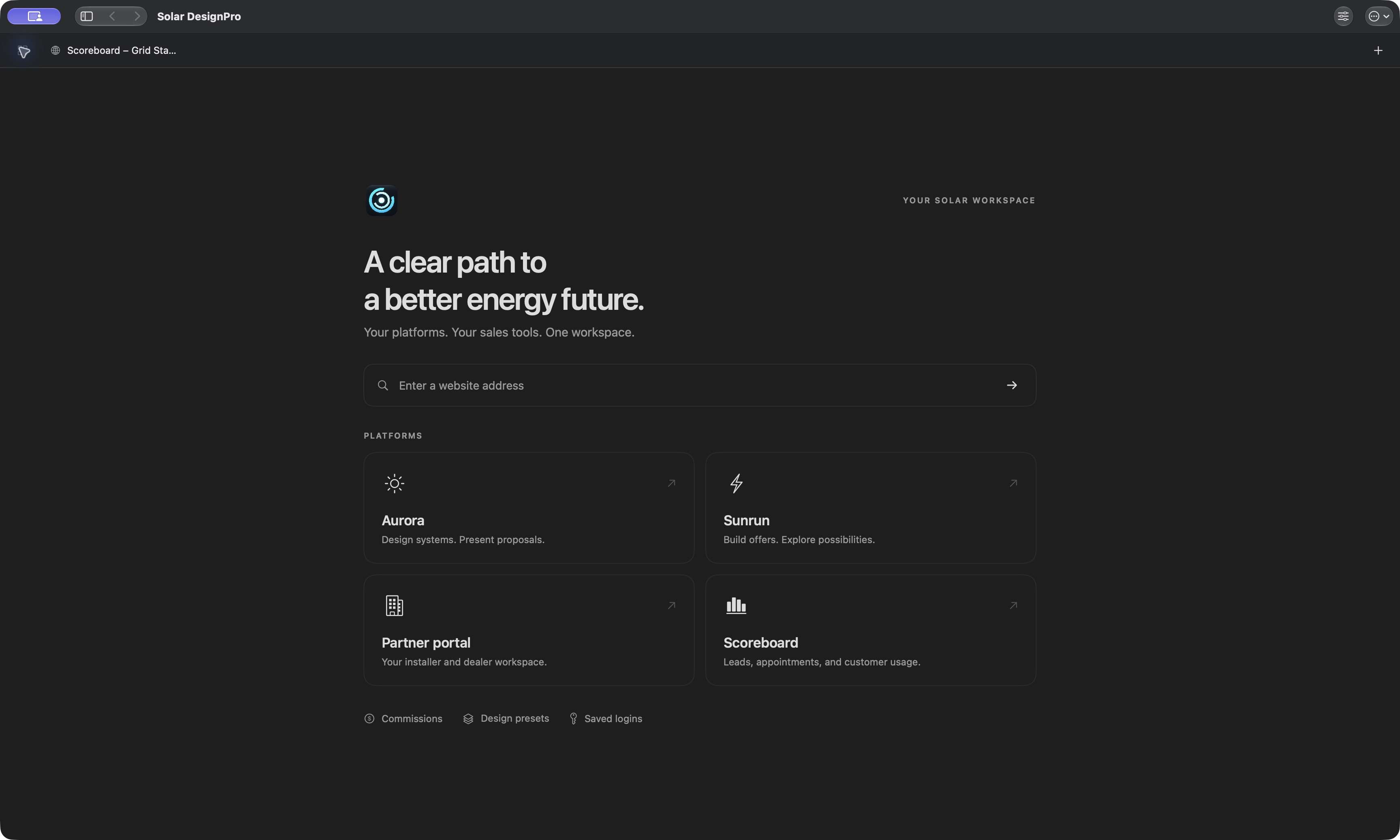
Everything, a little more connected.
Your familiar platforms, with the tools to move the conversation forward.
Open Aurora, Sunrun, and your partner portals in dedicated tabs. Keep your logins and your workflow close at hand.
Bring proposal comparisons, financial illustrations, and local outage information into the appointment.
Automatic updates bring the latest improvements to your Mac. Install them when you close the app.
Use your own authorized Aurora and Sunrun accounts. Available tools depend on your account and organization.
Settle in. Get started.
The app is free to download. Solar DesignPro service is $99/month, unless complimentary access has been assigned to your account.
Download for MacOpen the downloaded ZIP in Finder to reveal Solar DesignPro.app.
Drag Solar DesignPro into your Applications folder. Then open it from Applications.
Enter your email and the six-digit code sent to your inbox. Then sign in to your solar platforms.